Capture bugs with proof — and share them in seconds
A test-and-feedback extension for QA, developers and agencies. Screenshot, record, annotate and auto-capture console, network and repro steps — then share a hosted report or file it straight to Linear.
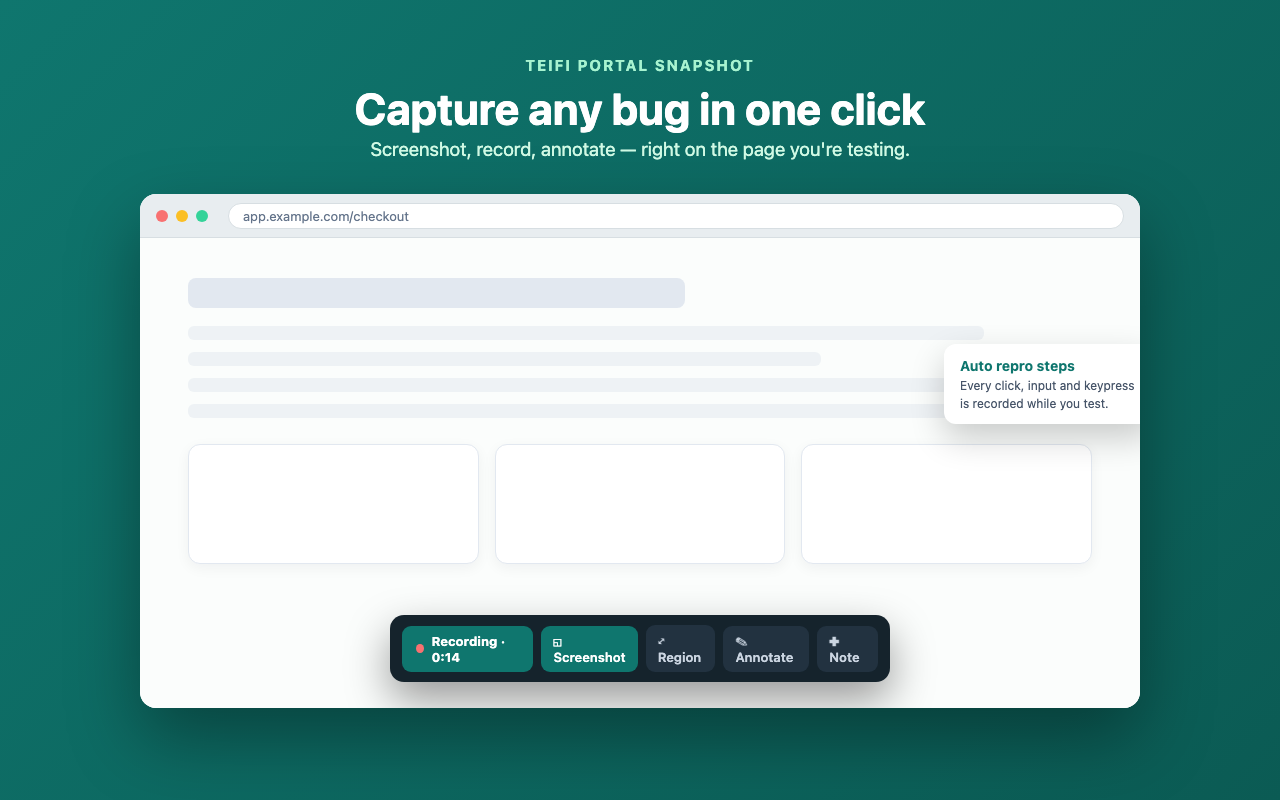
Turn any bug into evidence in one click
Start a test session, then screenshot the visible area, a selected region or a hovered element — or record the tab as a video. Every click, input and keypress is written up as reproduction steps automatically.
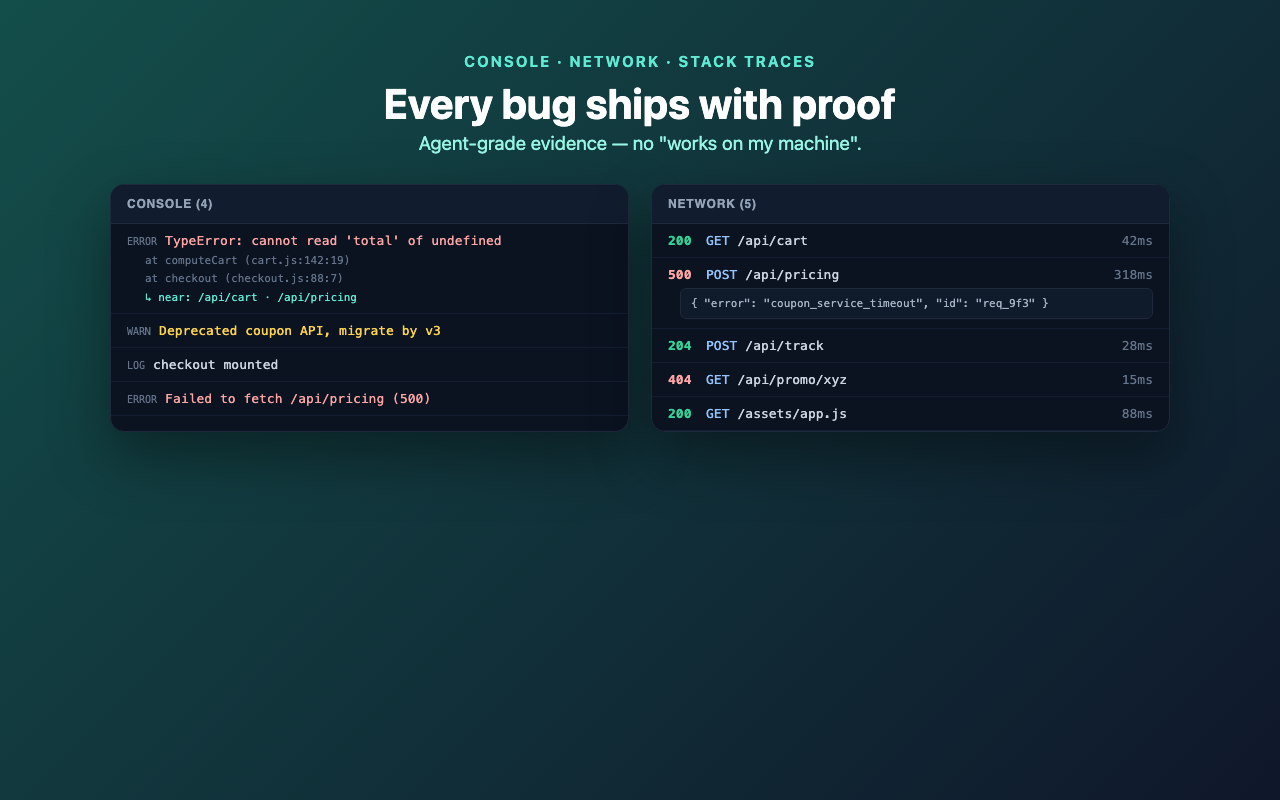
Every report ships with proof
Console logs come with stack traces and the network requests that happened just before each error. Failed requests carry their status, timing and redacted request/response bodies — enough to reproduce without "works on my machine".
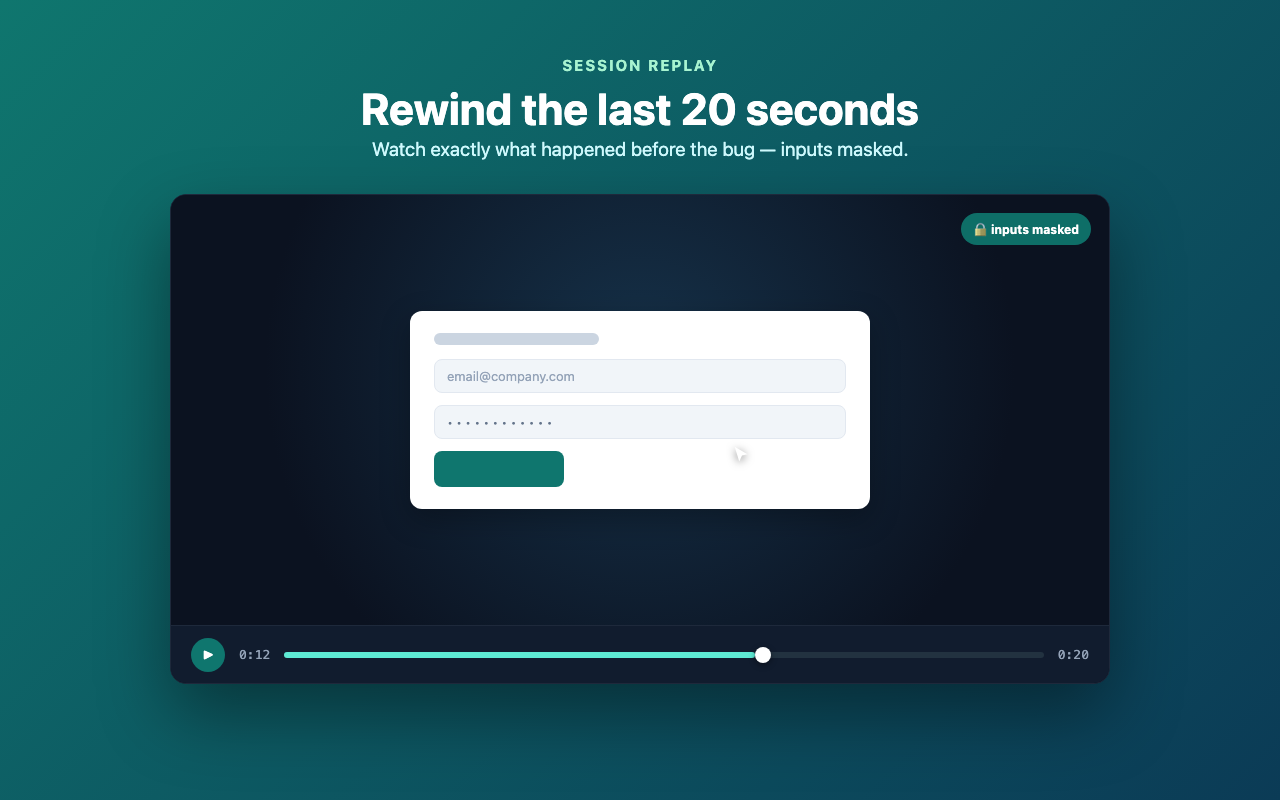
Rewind the last 20 seconds
A lightweight session replay records the DOM leading up to the bug so you can scrub exactly what happened. Text inputs and passwords are masked; the extension UI is never recorded.
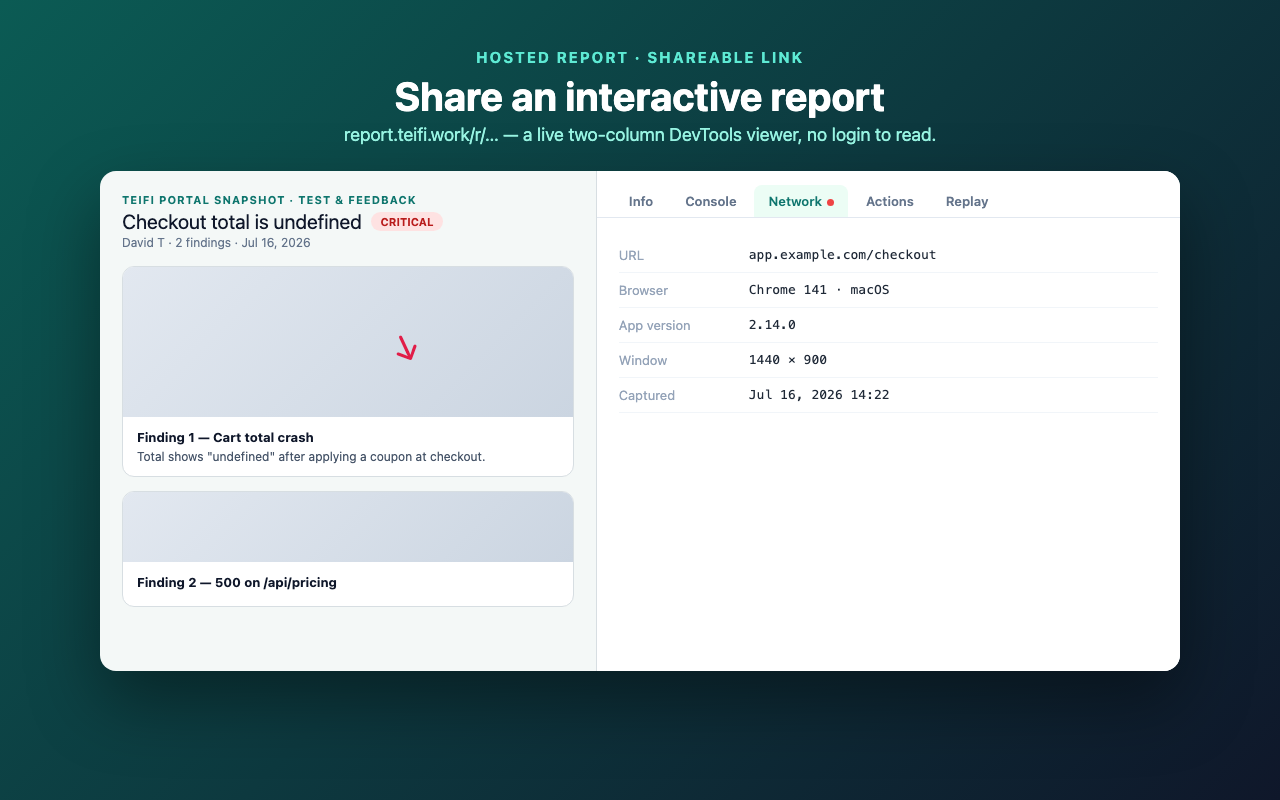
An interactive report, one link away
Each session becomes a hosted report with a two-column DevTools viewer — Info, Console, Network, Actions and Replay tabs. Send the link, or file the finding straight to your Linear workspace with media and repro steps attached.
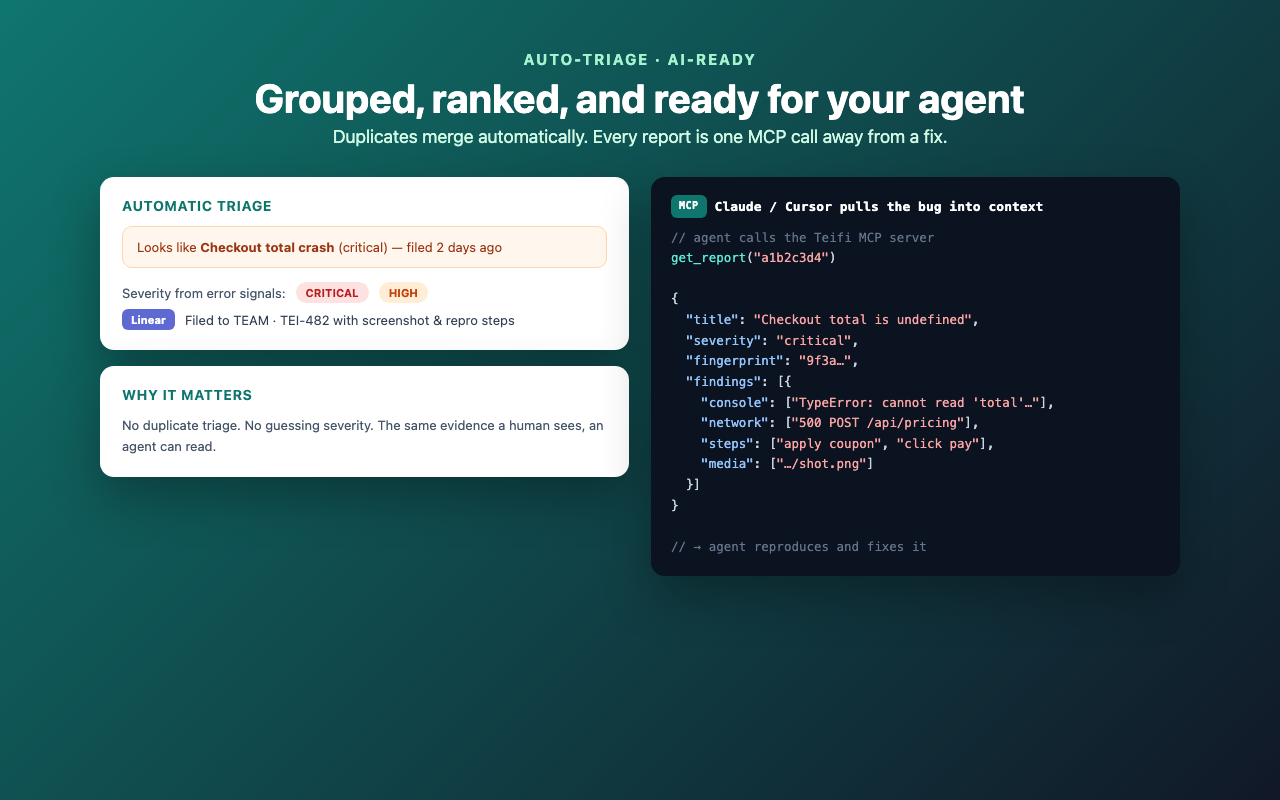
Grouped, ranked, and ready for your agent
Duplicate bugs are grouped automatically and each report gets a severity from its error signals. Every report is available over MCP, so Claude or Cursor can pull the console, network, repro steps and screenshot into context and fix it.
How to use it
- 1
Install & pin
Add the extension from the Chrome Web Store and pin it to your toolbar.
- 2
Sign in with Linear
Open the popup and connect your Linear workspace. The extension stores no secrets — uploads use your own Linear session.
- 3
Start a test session
Click “Start test session” on the page you want to test. Your steps, console errors and network calls start recording.
- 4
Capture & annotate
Screenshot, record or drop a note. Draw arrows and boxes, blur secrets — the editor opens automatically for screenshots.
- 5
Share or file it
Open the report for a shareable link, or file the finding to Linear. Manage MCP access for AI agents from the dashboard (⚙).
Built for AI coding agents
Connect the reports over MCP so Claude or Cursor pull a bug into context and fix it — no copy-paste. Create a token from the extension dashboard (⚙ → MCP access), then add it to your client:
claude mcp add --transport http teifi-reports \
  https://report.teifi.work/api/mcp \
  --header "Authorization: Bearer <your-token>"
Tools: list_reports(query?, limit?) · get_report(id) · get_active_session() — finished reports plus the session in progress, live: console, network, repro steps, environment, severity and screenshot URLs. Full MCP API docs →